What an AirTag for luggage actually does
An AirTag in your suitcase does not tell you where your bag is. It tells you where somebody else's iPhone last walked past it. That sounds like a technicality. It is the whole thing, and it decides whether a tracker is useful on a family trip or just a fresh source of anxiety at 11pm in a hotel room with two overtired kids and no pyjamas.
Apple's Find My network has passing Apple devices anonymously relay a tag's encrypted location to iCloud — a relay Apple sizes at more than a billion iPhone, iPad and Mac devices. Inside a terminal that is effectively live. Inside a sorting hall at 2am, a cargo hold, or a small island airport at the end of a long connection, it is not. The dot simply stops updating until someone with an iPhone walks near it again.
How often airlines actually mishandle a checked bag
The case for putting AirTags in luggage rests on a number most families have never seen. In June 2026 the US reporting airlines enplaned 41,602,216 checked bags and mishandled 206,225 of them — a rate of 0.50 mishandled bags per 100 enplaned, or roughly one bag in 200 (DOT Air Travel Consumer Report, August 2026). Mishandled is the DOT's category for bags that are lost, damaged, delayed or pilfered; the overwhelming majority are delayed and turn up later.
Two things follow for a family. On any single flight the odds are strongly in your favor, so a tracker is not insurance against disaster — it is a diagnostic you will actually use once every few years. But a family of four checking four bags on a round trip puts eight bags through the system, and school-holiday travel concentrates those bags into exactly the weeks the system is most loaded. That is the honest case for tagging luggage: not fear, arithmetic.
Four mechanisms, four different failure points
Most write-ups blur these together, which is why the tag behaves so differently in an airport than it did at home. Know which one you are leaning on when the dot goes still.
| What it is | Range | Needs | What it means at the airport |
|---|---|---|---|
| Precision Finding (Ultra Wideband) | Same room | A recent iPhone, line of sight | Arrow-and-distance walk-up. Great for a bag on a carousel, useless through a wall |
| Bluetooth proximity + speaker | Tens of feet | Your own phone nearby | Makes the tag chirp. This is how you find a bag in a stack, or a backpack under a seat |
| Find My network relay | Anywhere with people | A stranger's Apple device to walk past | The long-distance one. Sparse updates, no live tracking, silent in staff-only areas |
| Lost Mode + NFC tap | Wherever it surfaces | A finder with a smartphone | Notifies you when the tag is seen, and shows your contact details to whoever taps it |
None of these is GPS and none is cellular. A tag with nobody around it reports its last known location, which is why the gap between "the bag is in Denver" and "the bag was in Denver six hours ago" matters so much.
Where the tags actually earn their place
The standard pack is four. A family of four does not need four bags tagged. Spend them where losing the item is expensive, slow to resolve, or ruins the first day.
- Checked bags — yes. This is the whole use case. One per checked bag, buried in the middle of the packing so it is not the first thing anyone finds.
- The car seat or stroller bag — yes, and this is the highest-value tag you will place. Gate-checked items travel a different path from hold luggage, and a missing car seat blocks the rental car, not just bedtime.
- A kid's ride-on suitcase — yes, if it gets gate-checked. Ride-ons get taken at the jet bridge constantly, and they come back last.
- Your carry-on — not really. It is with you. Tag it only if you routinely get asked to gate-check it on full flights.
- Your child — no. Apple is explicit about this, and there is a better answer below.
Where to put the tag inside a suitcase
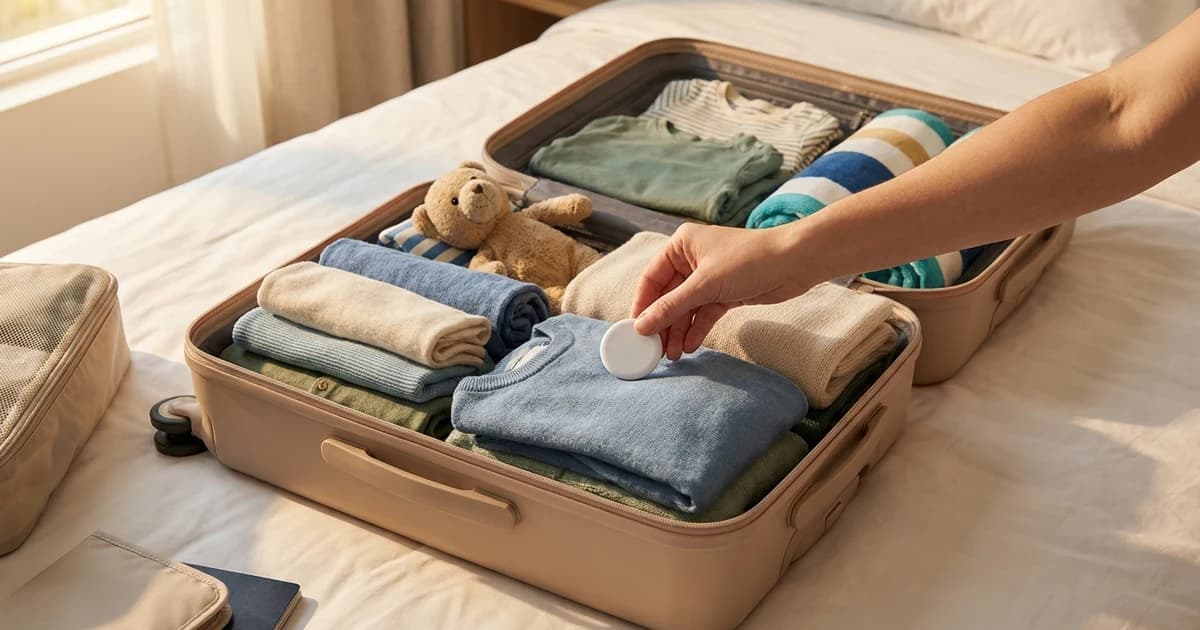
Placement changes what the tag can do. Bury it in the middle of the packing — inside a packing cube, or rolled into clothes near the center of the case. Two reasons: it is not the first thing a curious hand finds if the bag is opened, and soft goods around it do not meaningfully block Bluetooth at the ranges that matter. What does interfere is metal. A tag pressed flat against a hard-shell frame, a laptop, or a stack of foil-lined pouches gets a weaker signal out to passing phones.
Skip the outside pockets, and skip taping it to the shell. An externally mounted tag on a checked bag is trivial to remove and gets scraped off by belts and chutes anyway. For a gate-checked stroller or car seat bag, the tag goes inside the bag with the item rather than clipped to a strap.
The alert your teenager is going to get
Apple's unwanted-tracking alerts fire when a tag "is separated from its owner and seen moving with you over time." Apple and Google built the specification jointly, so the alert lands on Android phones too. Now apply that to a family: you drop a tag in your 15-year-old's bag, she walks to a different gate to get food, and her phone announces AirTag Found Moving With You.
The fix is ownership. Apple lets you share an AirTag with up to five people, so everyone in the group sees it as theirs and can locate the bag independently — useful when one parent is at the carousel and the other is at the rental counter. Where the tag is genuinely borrowed from a Family Sharing member, Apple also lets the recipient tap the notification and mute alerts for that item for a day or indefinitely.
When the bag does not arrive, a federal clock starts
This is the part that turns a tracker from a gadget into money. US rules define exactly when a checked bag counts as significantly delayed, and a delayed bag means the fee you paid to check it comes back automatically.
| Itinerary | Bag counts as significantly delayed after | Measured from |
|---|---|---|
| Domestic | 12 hours | Arrival of the last flight segment, until the bag reaches you |
| International, longest nonstop segment 12 hours or less | 15 hours | Same — the 15-hour standard also covers domestic legs of that itinerary |
| International, longest nonstop segment over 12 hours | 30 hours | Same — the 30-hour standard also covers its domestic legs |
Those thresholds are set in 14 CFR 260.2, and the refund itself in 14 CFR 260.5. One condition does all the work: the carrier owes nothing unless a passenger files a Mishandled Baggage Report with the airline that operated the flight, or the last segment on a multi-carrier itinerary. File the report and the refund is automatic. Skip it and the clock means nothing.
So the tracker's real job is to get you to the counter early, while it is still staffed:
- Bag never left the origin airport. File the report before you leave the arrivals hall. You already know more than the agent does.
- Bag is at the airport but not on the belt. Wait it out, then file anyway. Filing costs nothing and starts the clock.
- Bag last seen at a connection city. File, name the city, and say when the tag last reported. Specifics move it up the queue.
- Bag arrived and left in a van. Keep the report open until it is physically in your hands — the clock runs to delivery, not to arrival.
Three rules people get wrong
Spare batteries ride in the cabin, never in the hold
Apple rates the tag at more than a year on a user-replaceable CR2032 coin cell, and your iPhone tells you when it is running low (Apple). Changing it at home before a long trip is easier than carrying a spare. But the FAA is unambiguous: spare, uninstalled lithium batteries "are always prohibited in checked baggage and must be placed in carry-on," per FAA PackSafe. A loose battery in the suitcase is the one part of this plan that can actually get flagged.
Do not tag your child
Apple states plainly that these products "should not be used to track people," and notes that tracking someone without consent is a crime in many countries. It also does not work the way parents imagine: a tag on a child who wanders off is exactly the object the anti-stalking system is built to expose. If you want a child locatable, use a device made for it — a kid's watch or phone with location sharing, agreed with the child.
Share the tag before you leave, not from the airport
Sharing takes thirty seconds at home and is miserable on airport wifi with a boarding queue moving. Do it the night before, alongside the rest of your packing routine, and confirm each person can actually see the item in Find My.
The feature almost nobody uses
If a bag does go missing, you can temporarily share that item's location with someone else — including, Apple says, more than 50 airlines, among them Delta, Lufthansa, Singapore Airlines and United. Sharing stops on its own once you are reunited with the item, or expires after seven days.
The honest limit
Nobody publishes reliable data on how often a tag goes dark inside a particular airport's baggage system. It depends entirely on how many Apple devices pass near it, which varies by terminal, by hour, and by whether the bag has been moved into a staff-only area. Treat any confident claim about tracker "coverage" at a named airport with suspicion.
The shape of the thing is verifiable, though: no GPS, no cellular, a federal refund rule that is specific, and a report that is the only legally load-bearing step. A four-pack of Apple AirTags is a reasonable buy for a family that checks bags a few times a year — as a diagnostic, not as insurance. Pack the first night's essentials in the carry-on regardless. That habit has saved more family trips than any tracker will, and it belongs in your airport routine.